

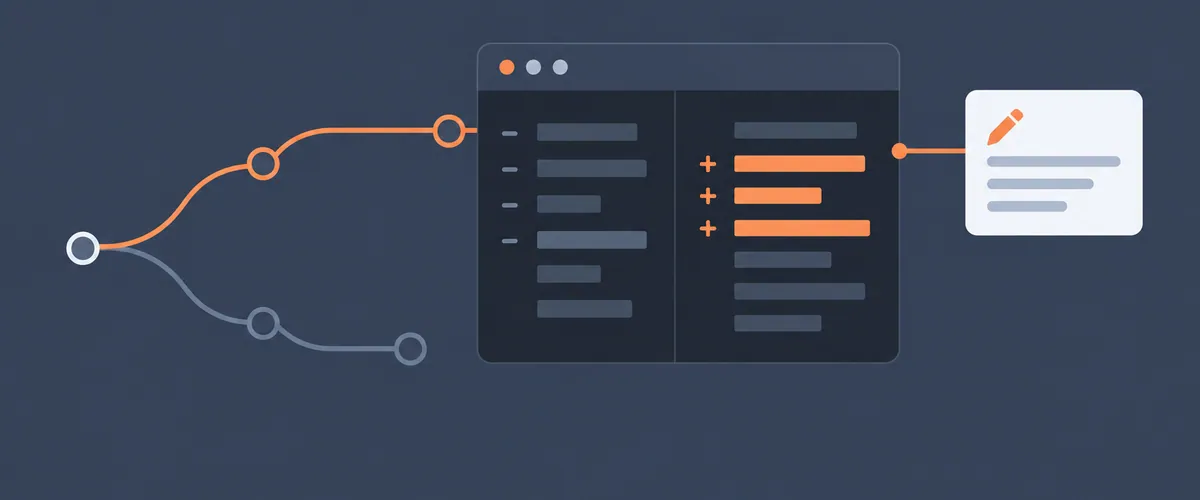
When Rollbar’s automated root cause analysis finds more than one way to fix an issue, you can now write instructions or extra context before Resolve opens a fix pull request. Resolve is our AI fix agent.
TL;DR
- When an automated root cause analysis finds more than one way to fix an issue, you can write instructions or extra context for Resolve before it opens a fix pull request.
- You write the instructions on the item detail page, on the Root cause & fix tab.
- Your instructions appear in the item’s timeline next to the fix, so you can track what was asked for.
- This is new in Resolve.
Where the instructions go
Open the item in Rollbar and go to the Root cause & fix tab on the item detail page. When the analysis lists more than one way to fix the issue, write your instructions or context there before Resolve opens the pull request.
What to write
Write what you would tell a teammate who was about to pick up the fix, such as which of the approaches you want and anything about your code that the analysis would not know from the item alone. Here are three instructions a team might write:
- “Fix this in the API handler and leave the shared validation helper unchanged. Three services import it.”
- “A null plan ID is valid for accounts created before 2024, so handle it as a normal case.”
- “Take the smallest change that stops the error. We are replacing this module next quarter.”
After the pull request opens
Your instructions appear in the item’s timeline next to the fix. Open the timeline when you review the pull request to compare the change with what you asked for.
How Resolve finds and tests a fix
The Resolve page explains how Resolve finds the root cause, tests a fix, and opens a pull request.
FAQ
Can I tell Rollbar’s AI fix agent which approach to take?
Yes. When an automated root cause analysis finds more than one way to fix an issue, you can write instructions or extra context before Resolve opens a fix pull request.
Where do I write instructions for Resolve?
On the item detail page in Rollbar, on the Root cause & fix tab.
Where do my instructions show up after Resolve writes the fix?
In the item’s timeline, next to the fix, so you can track what was asked for.
What is Resolve?
Resolve is Rollbar’s AI agent for root cause analysis and fixes. It reads the error and your code, writes the root cause, tests a fix in an isolated environment, and opens a pull request for you to review.
