

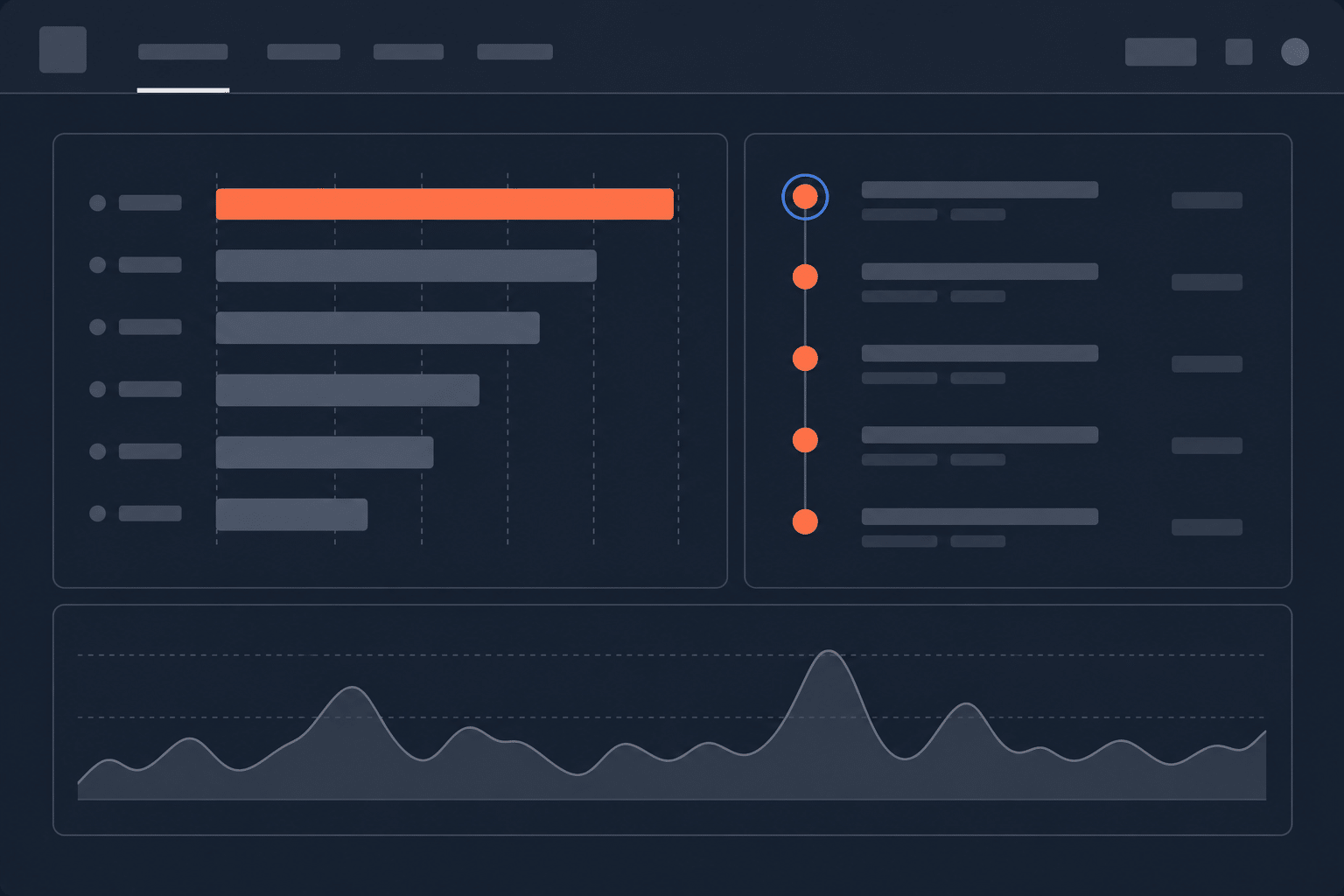
Your version and deploy health data no longer lives on separate pages. Versions and Deploys are now Dashboard cards, visible by default the next time you open Rollbar. Errors, versions, and deploys in one view, no more tab-hopping to piece together release health.
What’s changing
The Dashboard now includes dedicated Versions and Deploys cards alongside your existing error data. Both cards appear by default, so there is nothing to configure. If you have been checking the standalone Versions or Deploys pages as part of your triage workflow, that same data now shows up where you already start your day.
The cards give you the same release health signals you are used to: which versions are active, what deployed recently, error counts by version, and deploy status. The difference is context. You can see a spike in your error feed, glance at the Versions card, and confirm whether it correlates with a recent deploy without leaving the page.
Customizing your Dashboard
Both cards are visible by default. If you want to change their visibility:
- Open the Dashboard menu (top right of your Dashboard).
- Toggle Versions or Deploys on or off.
That is it. Your choice persists across sessions.
The standalone pages are going away
The dedicated Versions and Deploys pages will be retired in the coming weeks. You will see an in-app notification before anything changes, so this will not catch you off guard.
No data is lost. Everything that lived on those pages now lives on the Dashboard. If you have bookmarks pointing to the old URLs, update them to your project Dashboard.
Not tracking versions or deploys yet?
If you are not already sending version and deploy data to Rollbar, the new cards are a good reason to start. Version tracking lets you see which code versions are throwing errors, and deploy tracking correlates deploys with error spikes so you can identify suspect releases.
Setup takes a few minutes:
What’s next for the Dashboard
This is part of a broader push to make the Dashboard the central hub for your Rollbar workflow. More cards and functionality are on the way. The goal is straightforward: one view for everything you need to assess release health and triage issues, without bouncing between pages.
Open your Dashboard and check out the new cards.
