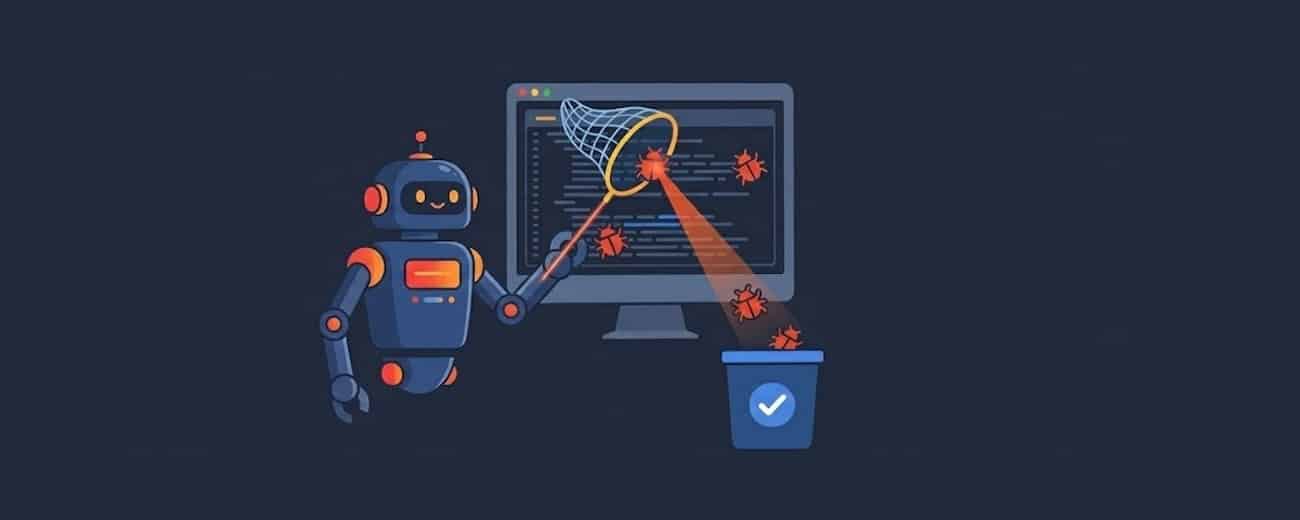
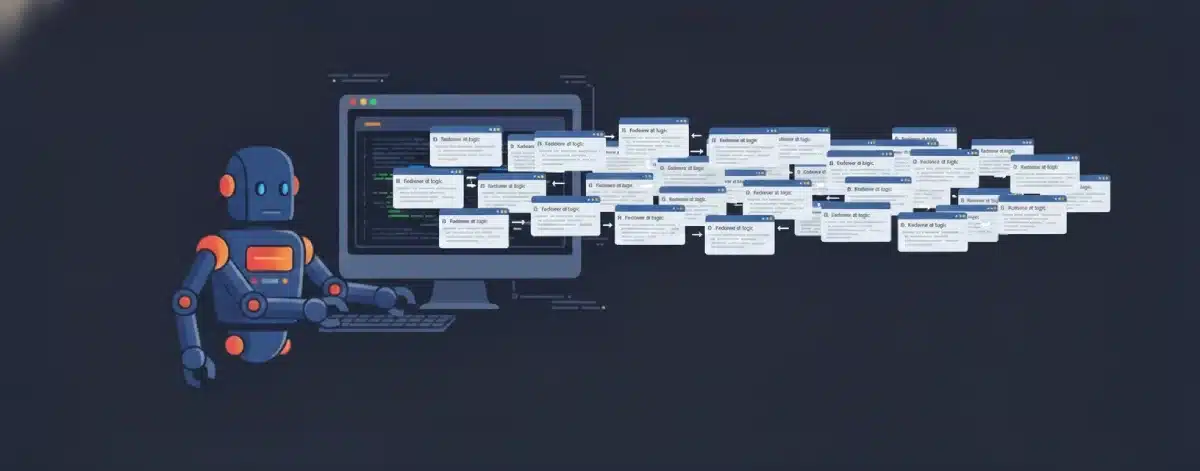
If it feels like your GitHub notifications are a targeted DDoS attack on your brain, you aren't imagining it.
Data from GitHub's Octoverse 2025 report shows an average of 43.2 million pull requests merged every month, a 23% jump from just a year ago. This surge in activity coincides with the widespread adoption of AI tools to write code.
The temptation to just click "Approve" on a well-formatted AI-written pull request is higher than ever. But this "looks good to me" mentality is how subtle, synthetic bugs slip into production unnoticed. The code "works," but it’s often verbose, context-blind, and filled with the kind of duplicated logic that builds technical debt at scale.
To protect your sanity and your production environment, here is how to audit the surge in AI pull requests coming your way without causing your brain to catch fire.
1. Perform a Technical Audit to Spot Slop
AI models are optimized for probability, not elegance. When you're reviewing, don't just look for logic; look for these specific signs of AI "slop":
- The Duplication Test: AI-generated code has led to an eightfold increase in blocks with 5+ duplicated lines.
- What to do: If a block of logic looks suspiciously "generic," run a quick
grepfor that pattern across the codebase. Chances are, the utility already exists, and the AI just didn't have it in its context window. - The "Vague Variable" Check: Look for names like
data,temp, orresult. - What to do: Reject PRs that use generic naming. It’s a major signal that the author didn't refactor the AI's output for maintainability. AI prioritizes "it works" over "it's readable."
- The Test Stub Trap: AI is notorious for writing tests that "pass" by mocking the very thing they are supposed to verify.
- What to do: Scan the test files for
// TODOor mocks that bypass the core business logic. Manually trigger the new tests in a local environment to ensure they actually fail when you break the implementation. - The "Ghost" Dependency: Watch out for "slopsquatting"—AI hallucinating package names that don't exist.
- What to do: Verify any new entries in
package.jsonorrequirements.txt. Malicious actors often register these hallucinated names to inject malware into your supply chain.
2. Maintain Accountability Rules
You can't review this much volume with the same intensity you used three years ago. You need team-wide rules that put the burden of proof back on the human author:
- The "Explain Every Line" Mandate: Adopt a "human global interpreter lock." If a developer puts code up for review, they must be able to explain the "why" behind every line.
- What to do: If their answer to a review comment is "I don't know, the AI suggested it," the PR is an immediate rejection. No exceptions.
- The 30-Minute Minimum: Set a "speed limit" for reviews. Superficial "rubber-stamping" happens when we think a PR looks clean because it's well-formatted.
- What to do: Enforce a minimum review window (e.g., 30 minutes) for any AI-assisted PR to force a deeper look at the logic rather than just the syntax.
- The "Author-as-First-Reviewer" Rule: Authors should not be "prompting and dumping" into your queue.
- What to do: Require authors to leave their own comments on the PR diff explaining the AI’s reasoning before they assign it to you. If they haven't reviewed it, you shouldn't either.
3. Harden Your Defenses with Automation
Don't waste your human brainpower on things a machine can catch. Offload the low-signal grunt work to your pipeline:
- Regex Filtering: Use your CI to block commits containing dangerous patterns like
eval(,innerHTML, or hardcoded API keys—common AI security oversights. - Adversarial Unit Testing: Require tests designed specifically to break AI functions, such as handling nulls, type coercion, and memory usage for large datasets.
- Mandatory Scanners: Since 45% of AI-generated code fails security tests, mandatory scanners (like CodeQL) are no longer optional—they are your primary defense against SQL injection and insecure auth patterns.
4. Stop Being the "Human Compiler"
The real reason we're all burning out is that most AI pull requests are theoretical. They are guesses that might work, and you, the human, are effectively the final test environment.
The goal should be to shift from reviewing "speculative" code to reviewing "verified" fixes.
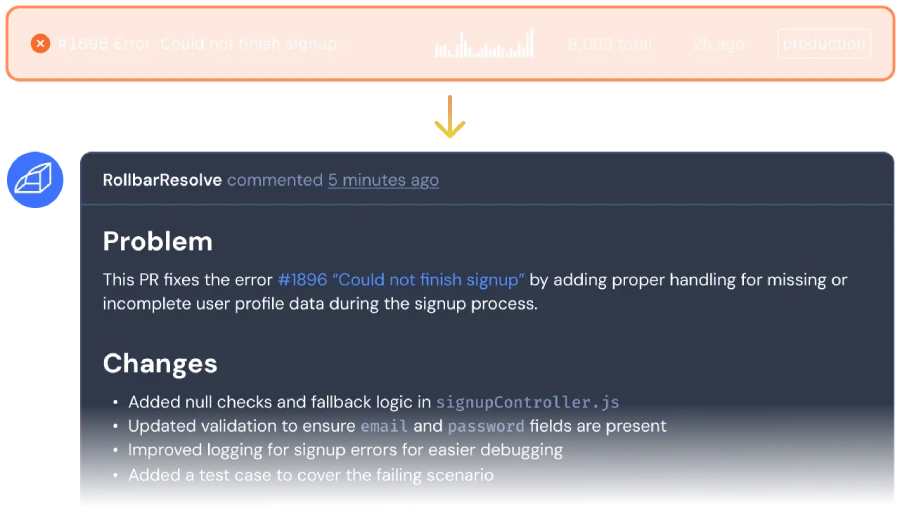
This is where a tool like Rollbar Resolve changes the game. Unlike general-purpose AI code assistants that try to write new features (and often get the business logic wrong), Rollbar Resolve is a specialized agent built for one job: fixing production errors. It uses real production telemetry—traces, logs, and user context—to figure out exactly what broke.
The agent then applies the fix in an isolated environment and runs your actual test suite before you ever see the PR, so you’re reviewing a solution, not a guess.
Ready to stop being a slop debugger and start being an architect again? By implementing these AI pull request checklists and offloading the grunt work of bug-fixing to verified agents like Rollbar Resolve, you can get back to your work that actually matters. Sign up for the alpha of Rollbar Resolve today.