

You’re comparing error monitoring tools. You’ve narrowed it down to two or three options. Now you need to know what this actually costs before you bring it to your team.
Here’s what Rollbar costs, what’s included at each tier, and how it compares to Sentry and Datadog on pricing. No sales pitch, just the math.
Four tiers, usage-based pricing, no data-volume surprises
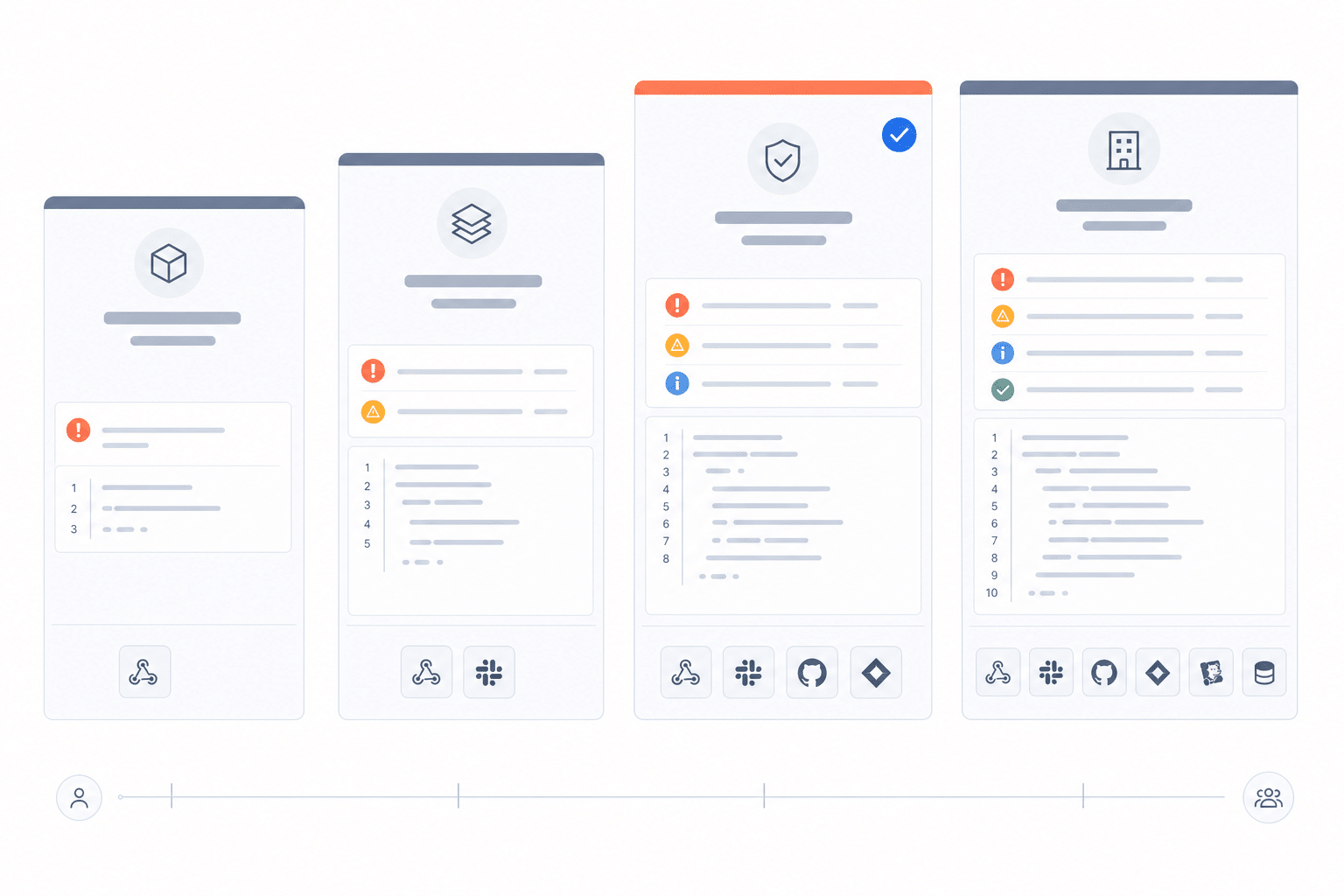
Rollbar offers four plans: Free, Essentials, Advanced, and Enterprise. Pricing scales based on three dimensions: events (errors, messages, and crash reports sent to the API), session replays, and AI credits. You’re not charged by data volume or number of hosts in your infrastructure.
That distinction matters. If you’ve priced out observability platforms that charge by ingested gigabytes or per-host, you already know how quickly those bills grow when traffic spikes or a bad deploy floods your logs. Rollbar’s model ties costs to the errors you’re actually tracking, making your bill predictable even when your traffic isn’t.
Annual billing saves roughly 17% across all paid plans (equivalent to 2 months free). All prices below are monthly billing unless noted.
Free
Cost: $0/month
Events: 5,000/month
Session Replays: 1,000/month
AI Credits: 0
Data Retention: 30 days
Unlimited users and projects. No credit card required.
Best for: Solo developers, side projects, or evaluating Rollbar before committing. You get real error monitoring with grouping, stack traces, real-time alerting, and basic integrations. It’s limited to 1 service link per project and doesn’t include AI credits, on-demand overage, or snooze. But it covers real production monitoring. Not a toy tier.
Essentials
Cost: Starting at $9/month for 10K events (or ~$7.50/month with annual billing)
Events: 10K to 50M/month
Session Replays: 1K to 10M/month
AI Credits: 4K to 10M/month
Data Retention: 90 days
Best for: Small to mid-size teams shipping regularly. Essentials adds on-demand events, customizable rate limits and retention, item snooze, AI credits, and priority support. You get the workflow features that matter for a team that owns production. Still limited to 1 service link per project, and you won’t get Adaptive Alerts, Saved Views, or SAML/SCIM at this tier.
Advanced
Cost: Starting at $13/month for 10K events (or ~$10.83/month with annual billing)
Events: 10K to 50M/month
Session Replays: 1K to 10M/month
AI Credits: 8K to 10M/month
Data Retention: 180 days
Best for: Teams of 10 to 50+ running multiple services. Advanced includes everything in Essentials plus Adaptive Alerts, Saved Views, an enhanced dashboard with deploy markers, cross-project error feed, team assignments, RQL and Metrics API for custom analytics, SAML SSO, SCIM user provisioning, and up to 5 service links per project. Double the base AI credits compared to Essentials. HIPAA BAA available as an add-on. This is the tier where most mid-size engineering teams land.
Enterprise
Cost: Custom pricing
Events: Custom volumes
Session Replays: Custom volumes
AI Credits: Custom volumes
Data Retention: Custom
Service Links: Unlimited
Best for: Large organizations with compliance requirements, large-scale deployments, or teams that need enterprise security and audit controls, custom SLAs, and dedicated support. Everything in Advanced, plus HIPAA BAA included as standard, top-priority support, a direct Slack channel, dedicated customer success manager, onboarding concierge, and custom SLAs. Talk to sales for this one.
What a real team actually pays
Abstract tier descriptions only get you so far. Here’s what the math looks like for three common team sizes:
A 5-person startup shipping a single product. Most teams this size fit on Essentials at 50K events/month for $29/month. Add 5K session replays at $14 and 15K AI credits at $5, and you’re at $48/month. With a single app and moderate traffic, you’re well within the event limit. If error volume is low enough, the 25K tier at $19/month keeps the total bill under $40.
A 20-person team with multiple services. Teams this size typically run Advanced at 500K events/month for $339/month. Multiple services mean more error volume, and you’ll want Saved Views, RQL, and Adaptive Alerts to keep triage manageable. Add 50K replays at $175 and 100K AI credits at $28, and you’re at roughly $542/month. Annual billing drops that to about $452/month.
A 100-person engineering org. At this scale, most teams are on Advanced or Enterprise. Advanced at 5M events/month runs $1,749/month for events alone. Add replay and AI credits at the volumes you need, and you’re looking at $2,000 to $3,000+/month depending on configuration. If you need HIPAA BAA included as standard, custom retention, or custom SLAs, Enterprise is the right conversation.
AI credits pricing: identical across Essentials and Advanced
AI credits power Rollbar’s AI-assisted error analysis features. The per-credit cost is the same whether you’re on Essentials or Advanced. The only difference is the base allocation included with your plan.
If you need credits, pricing scales from 15K credits at $5/month up to 10M credits at $2,408/month. The per-credit cost drops significantly at higher volumes, so teams that use AI analysis heavily pay less per credit as they scale.
What’s included at each tier
The features engineers care about
Not every feature comparison matters when you’re evaluating. Here are the ones that actually affect your debugging workflow:
| Feature | Free | Essentials | Advanced | Enterprise |
|---|---|---|---|---|
| Real-time error monitoring and alerting | Yes | Yes | Yes | Yes |
| Smart error grouping and fingerprinting | Yes | Yes | Yes | Yes |
| Source map support and full stack traces | Yes | Yes | Yes | Yes |
| Deploy tracking | Yes | Yes | Yes | Yes |
| Session Replay (volume varies by plan) | Yes | Yes | Yes | Yes |
| Snooze items | No | Yes | Yes | Yes |
| On-demand overage events | No | Yes | Yes | Yes |
| Customizable rate limits and retention | No | Yes | Yes | Yes |
| AI credits | No | Yes | Yes | Yes (Custom) |
| Priority support | No | Yes | Yes | Yes |
| Adaptive Alerts | No | No | Yes | Yes |
| Saved Views and cross-project error feed | No | No | Yes | Yes |
| Enhanced dashboard with deploy markers | No | No | Yes | Yes |
| RQL and Metrics API | No | No | Yes | Yes |
| Team assignments | No | No | Yes | Yes |
| SAML SSO and SCIM provisioning | No | No | Yes | Yes |
| Service links per project | 1 only | 1 only | Up to 5 | Unlimited |
| Data retention | 30-day | 90-day | 180-day | Custom |
| HIPAA BAA | No | No | Add-on | Included |
| Dedicated CSM, custom SLAs, Slack channel, onboarding concierge | No | No | No | Yes |
The biggest jump is from Essentials to Advanced. That’s where you get Adaptive Alerts, Saved Views, RQL for querying across your error data, team assignments, SAML/SCIM, an enhanced dashboard with deploy markers, and double the base AI credits. For teams past the “single app, single environment” stage, those features change how you triage.
Overage protection: three options, no surprise bills
One concern with usage-based pricing is what happens when you go over. Rollbar gives you three choices:
Hard cap (default). When you hit your monthly event limit, Rollbar stops processing new events until your billing period resets. Predictable. Nothing unexpected on the invoice.
On-demand events. Keep processing events beyond your limit at the same per-event rate as your plan. Available on Essentials and above. Useful during incident spikes, but monitor it.
Overage budget. Set a dollar ceiling above your base plan. Rollbar processes events up to that budget, then pauses. This gives you a buffer for traffic spikes without an open-ended bill.
You choose which model fits your team. The default is the hard cap, so you won’t get a surprise bill unless you explicitly opt in.
Rollbar vs. Sentry pricing
Sentry is the most common comparison, so let’s break down how the pricing models differ.
Sentry’s model is also event-based, which makes it the closest apples-to-apples comparison. Both platforms charge based on the errors and transactions your application sends. The core pricing mechanics are similar.
Where they diverge:
Session Replay. Rollbar includes session replays in every plan, starting with 1,000/month on the Free tier. Sentry includes 50 replays on its free plan and charges for additional replay volume on paid tiers. If replay is part of your evaluation, compare the included volumes at your expected usage.
AI credits. Rollbar includes AI credits on Essentials (4K base) and Advanced (8K base), with add-on tiers up to 10M. Compare what AI-assisted features each platform includes at comparable price points.
Feature access by tier. Compare what’s gated behind each platform’s paid tiers. Features like advanced grouping, query languages, and alert customization land at different tier breakpoints. Check both pricing pages with your must-have feature list.
Overage handling. Both platforms offer overage controls, but the mechanics differ. Rollbar’s three-option model (hard cap, on-demand, budget ceiling) gives you explicit control. Check Sentry’s current overage policy for their approach.
The honest take: at low volumes, the pricing is competitive between the two. The differences that matter more at evaluation time are often the product differences (Rollbar’s error-first approach and integrated replay vs. Sentry’s broader performance monitoring scope) rather than a few dollars per month on the invoice.
Rollbar vs. Datadog pricing
This is a different kind of comparison, because the pricing models are fundamentally different.
Datadog is an infrastructure-first observability platform. Its pricing is based on hosts, data ingestion volume, and add-on modules. Error tracking is one feature within a much larger platform that includes APM, log management, infrastructure monitoring, and more.
Rollbar is a code-first error monitoring platform. Pricing is based on error events, replay sessions, and AI credits. That’s it.
The practical difference for an engineering manager doing the math:
Datadog’s costs scale with infrastructure. More hosts, more containers, more log volume means a higher bill, even if your error volume stays flat. Teams running microservices or auto-scaling infrastructure often see Datadog bills grow faster than expected.
Rollbar’s costs scale with errors. Your bill reflects how many errors your application produces, not how many servers it runs on. If you ship a clean release and error volume drops, your costs stay flat or decrease.
If your team already runs Datadog for infrastructure monitoring and APM, adding their error tracking module might make sense from a consolidation perspective. But if you’re evaluating error monitoring specifically, comparing Datadog’s total platform cost against Rollbar’s focused pricing often shows a significant difference.
Is Rollbar really free?
Yes. Rollbar has a permanent Free tier that includes real error monitoring with 5,000 events per month, 1,000 session replays, and 30-day data retention. It’s not a 14-day trial that expires. You can run it indefinitely.
The Free plan includes error grouping, stack traces, basic integrations, and source control linking. It’s enough to monitor a production application, not just a demo.
If you want to evaluate paid features before committing, Rollbar offers a 14-day trial of Advanced that includes 200K occurrences, 10K session replays, and 10K AI credits with all Advanced features included. The trial starts when you send your first event, not when you sign up.
Choosing the right plan
Skip the feature matrix and start with two questions:
How many events does your application produce per month? If you’re not sure, start on the Free plan or trial. Rollbar will show you your actual volume within a few days of integration.
Do you need advanced triage features? If your team is past the “one person watches the error feed” stage and you need saved views, RQL, or adaptive alerts to manage volume, that’s Advanced. If basic grouping, deploy tracking, and item snooze are enough, Essentials works.
For teams with compliance requirements (HIPAA BAA as standard, not add-on), SSO beyond SAML, or custom SLAs, that’s an Enterprise conversation.
The simplest path: sign up for the free trial, connect your app, and look at your actual event volume after a week. You get 200K occurrences, 10K replays, and 10K AI credits for 2 weeks with all Advanced features, so there’s enough room to evaluate at real production volume. Start your free trial
FAQ
How does Rollbar pricing compare to Sentry pricing in 2026?
Rollbar uses a credit-based pricing model where you pay for error events, session replays, and AI credits with predictable monthly costs. Sentry meters five categories separately (errors, spans, replays, logs, and metrics), and overages on any category increase your bill. Rollbar plans start at $7.50/month for Essentials; Sentry paid plans start at $26/month for Team.
Is Session Replay included in Rollbar pricing or does it cost extra?
Session Replay is included in every Rollbar plan at no additional cost, starting with 1,000 replays per month on the Free tier. Sentry includes 50 replays on paid plans and charges approximately $0.00375 per replay beyond that. For teams that rely on replay for debugging, this difference adds up quickly at production-scale traffic.
How much does Sentry Seer AI cost compared to Rollbar Resolve?
Sentry charges $40 per active contributor per month for Seer, its AI debugging agent, billed separately from your base plan. Rollbar includes AI-powered Resolve with a credit based payment system Pay for what you need. There is no per-seat AI surcharge on Rollbar.
What happens when I exceed my plan limits on Rollbar vs Sentry?
Rollbar gives you three overage options: a hard cap that stops processing (the default, so no surprise bills), on-demand events at the same per-event rate, or an overage budget ceiling you set yourself. Sentry charges pay-as-you-go overage rates across each metered category when you exceed your base quota. A single bad deploy on Sentry can spike your bill significantly because overages apply to errors, spans, and replays independently.
Which error monitoring tool is more predictable on cost for a growing team?
Rollbar's credit model and hard-cap default mean your bill never exceeds what you selected unless you explicitly opt in to overages. Sentry's multi-category metering and per-contributor AI pricing can make bills harder to forecast as your team and traffic grow. If cost predictability matters, Rollbar's model is designed so you know your monthly cost before you get the invoice.
