
Every dollar spent on engineering is a bet on the future. But look at your engineering team's sprint backlog and you’ll see a non-trivial amount of that capital is spent on repairing the past.
For the last ten years, if you asked a VP of Engineering what the solution was, the answer was always the same: better monitoring. Throw more telemetry at the wall. Build a bigger dashboard. Send more alerts at 3 AM. It was the only available tool, so it became the entire thesis.
The problem was, finding the bug was never the hard part. The hard part was the manual, context-switching grind of diagnosing the root cause and implementing the fix faster than the next error could surface. We solved the detection problem while the resolution problem—the true cost sink—was left untouched.
That era is now over. Enter the new wave of autonomous AI debugging tools. These are not merely sophisticated spell-checkers or code suggestion engines; they are agents that understand context, diagnose root causes, write fixes, and open pull requests—all without intervention.
Let's explore what's available today and where the technology is headed.
The Current Landscape
1. Sentry Seer
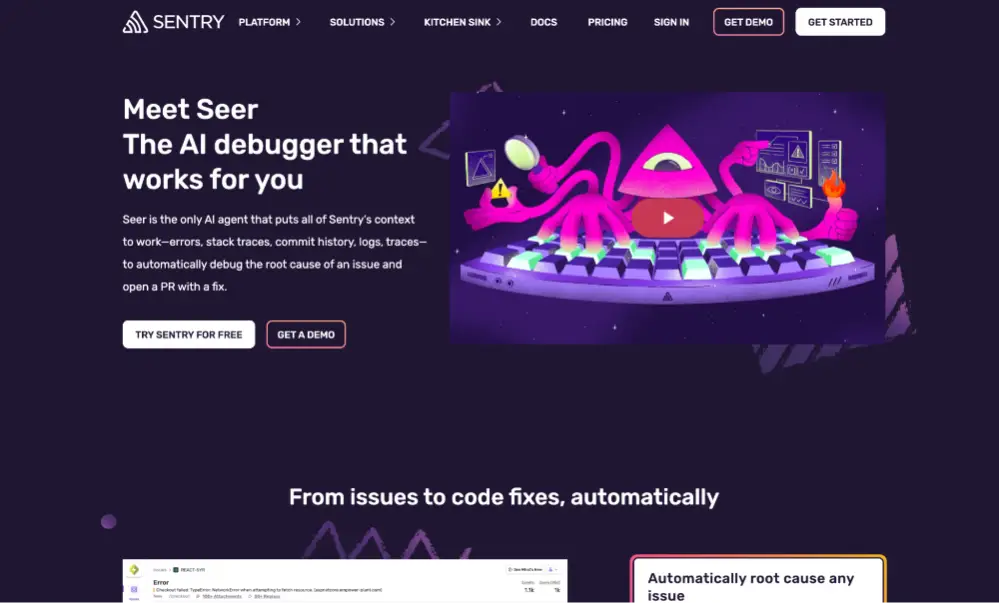
Sentry has long been a go-to for error monitoring, and with Seer, they're pushing into autonomous fixing. Seer combines Sentry's production context—error traces, breadcrumbs, spans, logs, and commit history—with AI to diagnose issues and generate fixes.
What makes it special:
- They claim 94.5% fix accuracy by leveraging full production context, not just generic LLM knowledge
- Analyzes distributed systems across multiple repositories
- Generates unit tests alongside fixes to prevent regression
- Automatically assigns an "actionability score" to prioritize which issues are most fixable
- Integrates with distributed tracing to understand complex microservices architectures
Limitations to consider:
- Requires manual configuration for full automation—you need to explicitly enable auto-scans and auto-fixes in settings
- Additional cost of $20/month on top of your Sentry plan (includes $25 in credits)
- PR customization is limited—teams report wanting more control over PR templates to match internal processes
- Context dependency—quality heavily depends on having comprehensive instrumentation (tracing, logs, etc.)
- Best suited for teams already deeply invested in the Sentry ecosystem
User feedback: Teams praise Seer for solving bugs in 30 minutes that would have taken a day, but note that without proper context (tracing data, logs), results can be hit-or-miss.
2. GitHub Copilot Autofix
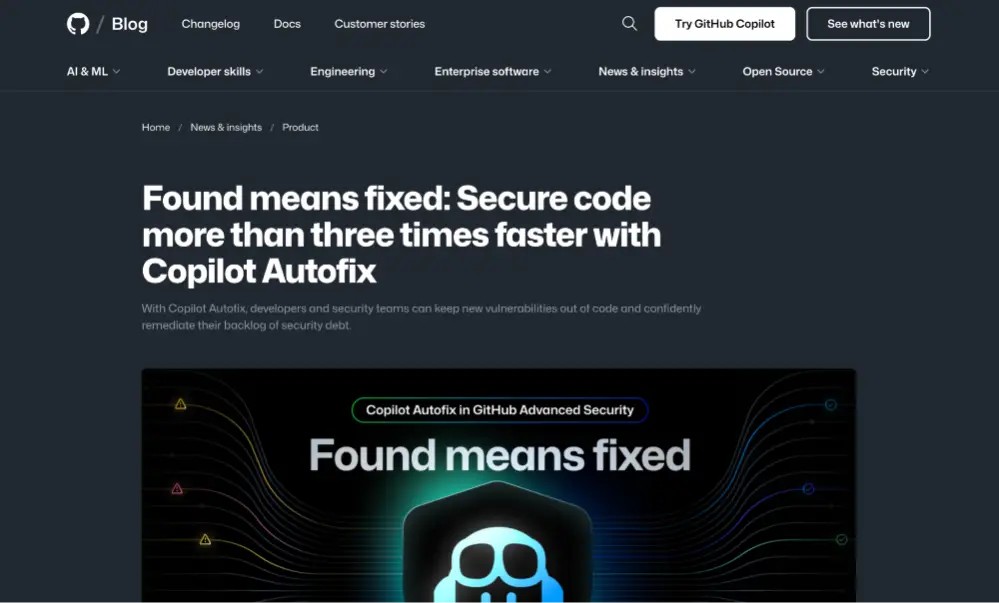
Microsoft-owned GitHub brought AI-powered fixing directly into the development workflow with Copilot Autofix, powered by GPT-4o and CodeQL. Available to GitHub Advanced Security customers, it focuses on security vulnerabilities detected during code scanning.
Key capabilities:
- Fixes 90%+ of alert types in JavaScript, TypeScript, Java, Python, C#, C/C++, Go, Ruby, and Rust
- They claim 3x faster remediation than manual fixes (median 28 minutes vs 90 minutes)
- 7x faster for XSS vulnerabilities and 12x faster for SQL injection
- Free for open source projects
- Works in pull requests to prevent vulnerabilities before merge
Known issues:
- Struggles with large diffs—users report it can have trouble with complex changes across many files
- Selective file review—marks many files as "low risk" and skips them; teams report seeing "reviewed 115 files" but only 2-3 actual comments
- Limited to security issues—only works with CodeQL code scanning alerts, not general bugs
- Context limitations—may suggest syntactically incorrect code or hallucinate dependencies that don't exist
- Language bias—primarily trained on English code, lower success rate with other languages
- Non-deterministic—the same alert might get different (or no) suggestions across attempts
- Dependency risks—may suggest insecure or fabricated package names
GitHub's documentation explicitly warns users to "always consider the limitations of AI and edit the changes as needed." The tool also stops generating fixes when more than 20 alerts appear in a PR, requiring manual triage.
3. Snyk Agent Fix (formerly DeepCode AI Fix)
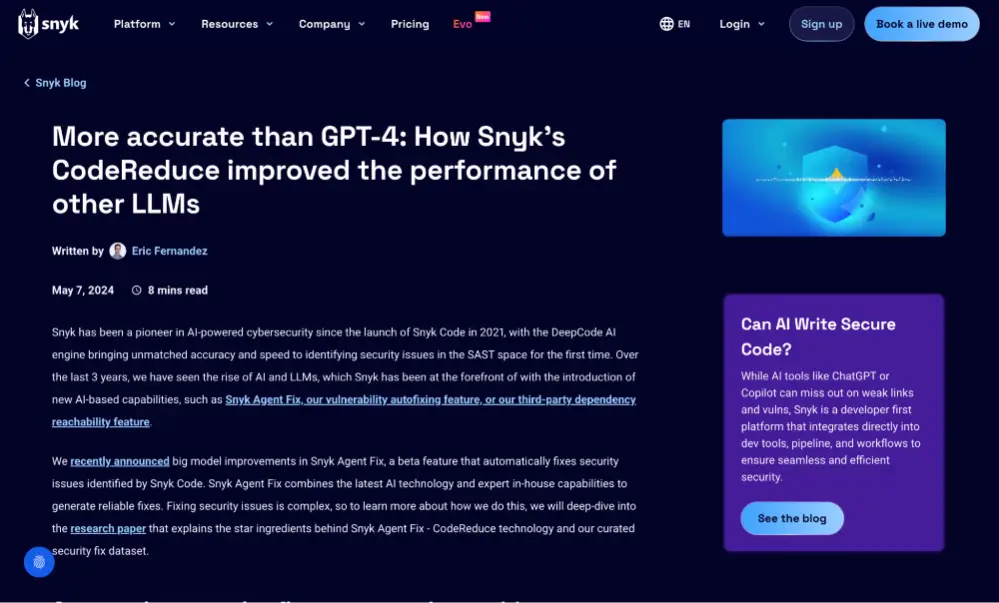
Snyk takes a hybrid AI approach, combining generative AI with symbolic AI and program analysis to fix security vulnerabilities with high precision. Their proprietary CodeReduce technology helps the LLM focus on only the relevant code, reducing hallucinations and improving accuracy.
Standout features:
- They claim 80% accuracy in generating successful fixes
- Presents up to 5 different fix options per vulnerability
- Verifies fixes won't introduce new vulnerabilities before suggesting them
- Supports 8+ languages including Java, JavaScript, Python, C/C++, C#, Go, and APEX
- Trained on millions of curated security fixes from open source projects
Drawbacks:
- False positives—G2 reviews frequently mention "excessive false positives" that slow down development
- Pricing complaints—users note that full-featured access requires expensive enterprise plans
- Limited custom training—doesn't support advanced customization for proprietary codebases
- Performance with large codebases—can be slower when analyzing very large repositories
- Fixes aren't always available—for limited support languages, fixes may not be generated consistently
- Steeper learning curve compared to competitors, especially for teams new to DevSecOps
From G2 reviews: "Sometimes vulnerabilities reported are false positive and also rarely misses some of the genuine vulnerabilities." Users also report that code quality suggestions need improvement beyond just security fixes.
4. Amazon CodeGuru Security

AWS offers CodeGuru as part of their development suite, combining machine learning with automated reasoning to identify and fix vulnerabilities.
Notable aspects:
- ML and automated reasoning for high-precision vulnerability detection
- API-based design allows integration at any stage of development
- Automated bug tracking that detects when issues are resolved
- Suggested code fixes for certain vulnerability types
- Deep semantic analysis reduces false positives significantly
Limitations:
- AWS-centric—best suited for teams already heavily invested in AWS ecosystem
- Limited language support—primarily focused on Java and Python
- Not production-focused—works mainly in pre-production/CI-CD, not for live production errors
- Setup complexity—requires careful configuration across multiple AWS services
- Documentation gaps—users report documentation assumes expert-level AWS knowledge
CodeGuru is particularly strong for teams already invested in AWS infrastructure, but its closure to new customers for the Reviewer feature signals AWS may be shifting strategy in this space.
5. Datadog Bits AI Dev Agent
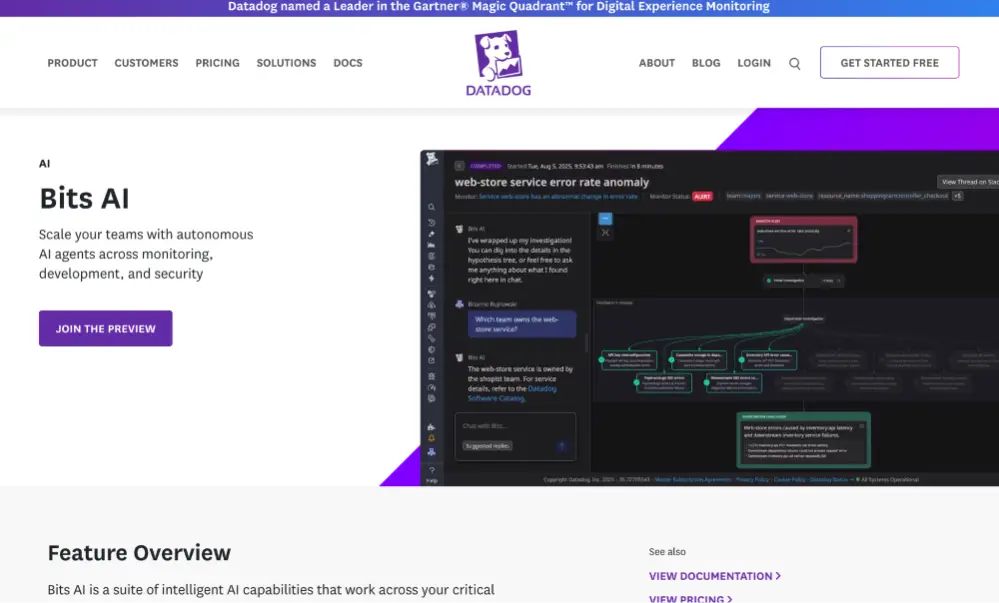
Datadog entered the automated fixing space in 2025 with their Bits AI suite, which includes specialized agents for different roles. The Bits AI Dev Agent focuses on proactive error resolution using the telemetry data Datadog already collects.
Differentiators:
- Proactive App Recommendations that suggest fixes before users are affected
- APM Investigator automates bottleneck identification and suggests fixes
- Works with error tracking, Real User Monitoring, traces, and database monitoring
- Can generate pull requests while engineers sleep
- Learns patterns across your entire infrastructure
The cost reality:
- Pricing complexity is legendary—Datadog's multi-dimensional usage-based pricing is notoriously difficult to predict
- Can get expensive fast—mid-sized companies often spend $50k-$150k/year, enterprises exceed $1M+ (Coinbase famously had a $65M annual bill)
- High-water mark billing—charged based on peak usage for entire month, even if it was brief
- Bits AI is an add-on—comes on top of already substantial Datadog costs
- Preview/limited availability—many Bits AI features are still in preview with uncertain pricing
- Learning curve—steep for teams unfamiliar with Datadog's ecosystem
- Support can be slow for non-enterprise customers
From user reviews: "Pricing seemed easy until the bill came in and some things were not accounted for." Teams report accidentally enabling Datadog in unused AWS regions, resulting in tens of thousands in unexpected costs. The sophisticated features are powerful, but cost management requires constant vigilance.
6. Qodo (formerly Codium)
Qodo provides AI-powered code review and testing automation with 15+ agentic workflows.
Key features:
- Context-aware code suggestions in your IDE
- Automated PR validation against security policies and compliance rules
- Generates tests and validates logic as you code
- Multi-model support for flexibility
- Shift-left approach catches issues during development
Drawbacks:
- Non-functional initial tests: Generated unit tests often require manual attempts or significant tweaking before they run successfully.
- Learning Curve: Some features are reported as non-intuitive, resulting in a steeper learning curve for new users.
- Performance: Some users report occasional slower performance compared to lighter-weight IDE-integrated tools.
- Inconsistent Suggestions: Occasional instances where suggestions miss the mark on conciseness or relevance for niche coding issues.
7. Potpie AI
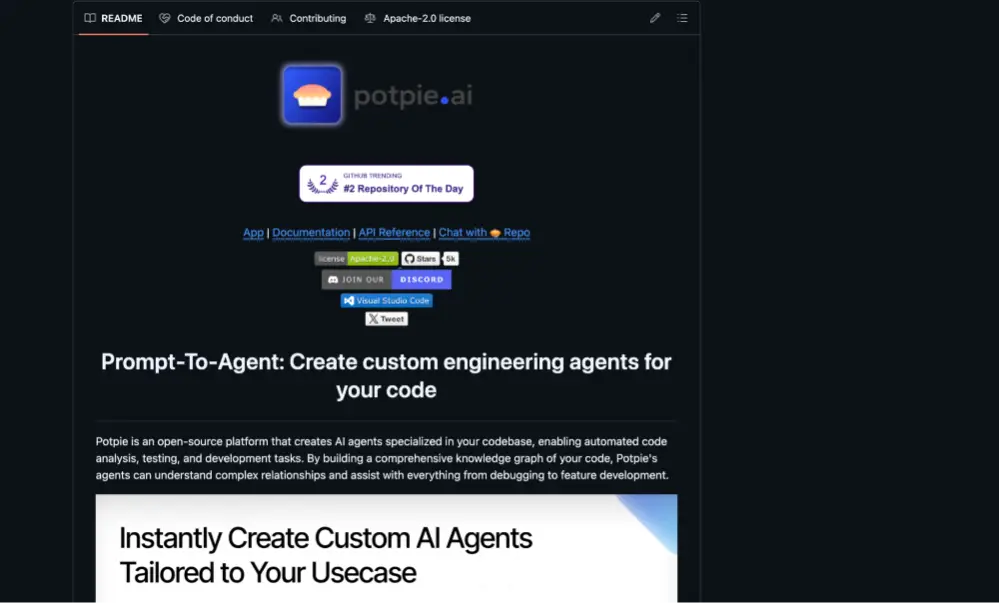
An open-source platform that lets developers build custom AI agents specialized for their codebase. It creates a knowledge graph of your code to understand relationships and context.
Unique capabilities:
- Pre-built agents for debugging, code changes, unit tests, and Q&A
- Custom agents for specific workflows (boilerplate generation, migration, documentation)
- Deep code understanding through knowledge graphs
- Autonomous operation with developer-defined goals
- Best for JavaScript, TypeScript, and Python codebases
Limitations to consider:
- Complex Setup: Installation is technically involved, requiring command-line configuration, a Python environment, and external dependencies (PostgreSQL, Neo4j, Redis).
- LLM API Dependency & Cost: Core functionality requires users to supply their own LLM API key (e.g., OpenAI), incurring separate usage costs on top of the Potpie platform.
- Limited Language Performance: While it supports many languages, performance and precision may be limited outside of highly optimized languages (e.g., Python, TypeScript, Java, JavaScript).
- API/CLI Focus: It is heavily focused on an API-first design and requires a technical workflow (e.g., using API calls to trigger codebase parsing), making it less plug-and-play than pure SaaS solutions.
The Common Thread: Context is King
What separates effective AI debugging tools from glorified chatbots? Context. The best tools don't just have access to your code, they understand:
- Production telemetry (errors, traces, logs, metrics)
- Your entire codebase structure and dependencies
- Commit history and previous fixes
- Framework-specific best practices
- Your team's coding standards
Generic LLMs like ChatGPT can suggest fixes, but they're working blind. Specialized tools like Sentry Seer or Snyk tap into production data and static analysis to understand not just what's broken, but why it broke and what the safe, idiomatic way to fix it is for your specific stack.
What About the Hype?
Let's be honest: AI debugging tools aren't magic. They work best on:
- Common vulnerability patterns (SQL injection, XSS, buffer overflows)
- Framework-specific issues they've been trained on
- Well-instrumented code where they have good telemetry
- Smaller, focused changes rather than architectural overhauls
They struggle with:
- Novel or complex business logic errors
- Issues requiring domain knowledge
- Bugs caused by unexpected interactions between multiple systems
- Errors where root cause analysis requires understanding user intent
Most tools position themselves as "junior developer" assistants—and that's the right framing.
But the reality is that junior fixes don't solve senior problems.
To get closer to solving the production engineer's core dilemma - complex, novel errors that require deep, real-time context and senior-level decision-making - you need an autonomous debugging agent that was fed the telemetry gathered by the best error monitoring tool, Rollbar.
Meet Rollbar Resolve: Coming Soon
What makes Resolve different?
Unlike tools that bolt AI onto existing products, Resolve is designed from the ground up as an AI agent that works like a senior developer on your team. It takes production errors detected by Rollbar, reviews your codebase with full context, figures out what's actually wrong, writes a fix, opens a PR, runs your tests, and waits for review. All powered by real production data—not guesses.
The Resolve advantage:
- Works in its own dev environment. This is huge. Resolve doesn't just suggest fixes, it actually runs them in an isolated environment and ensures your tests pass before opening a PR. No other agent does this. You get PRs that are already validated, not just theoretical fixes that might work.
- Multi-environment support with seamless handoff. You can run Resolve across multiple environments, and when it encounters something it can't handle automatically, you can log in and pick up exactly where the agent left off. It's true collaboration between human and AI.
- Starts with real context. Rollbar has been collecting high-fidelity error data from production systems for over a decade. Resolve leverages this context instead of starting from scratch.
- Works the way you work. Assign errors manually or set up automation rules. Use it from Rollbar's UI or trigger it directly from your IDE via MCP integration.
- Built for production workloads. Set limits on what Resolve can do, how many issues it tackles, and how much you want to spend. It fits into your existing CI/CD flow.
- Gets smarter over time. Resolve learns from your feedback—whether you merge its PRs or send it back for revisions.
Perfect for:
- Teams maintaining complex applications who want to reduce time on repeat errors
- Organizations dealing with technical debt without dedicated sprints
- Developers who want to stay focused on feature work instead of firefighting
Resolve is built for teams already using Rollbar who want to move from error detection to error resolution without adding more tools to their stack. It's the difference between knowing you have a problem and actually fixing it—automatically, with confidence.
Want Early Access?
Rollbar Resolve is coming soon, and we're building an early access list. If you're interested in seeing how our new AI debugging agent can help your team ship more and stress less, fill out the form below to get on the list.